
OdinFortune Casino App
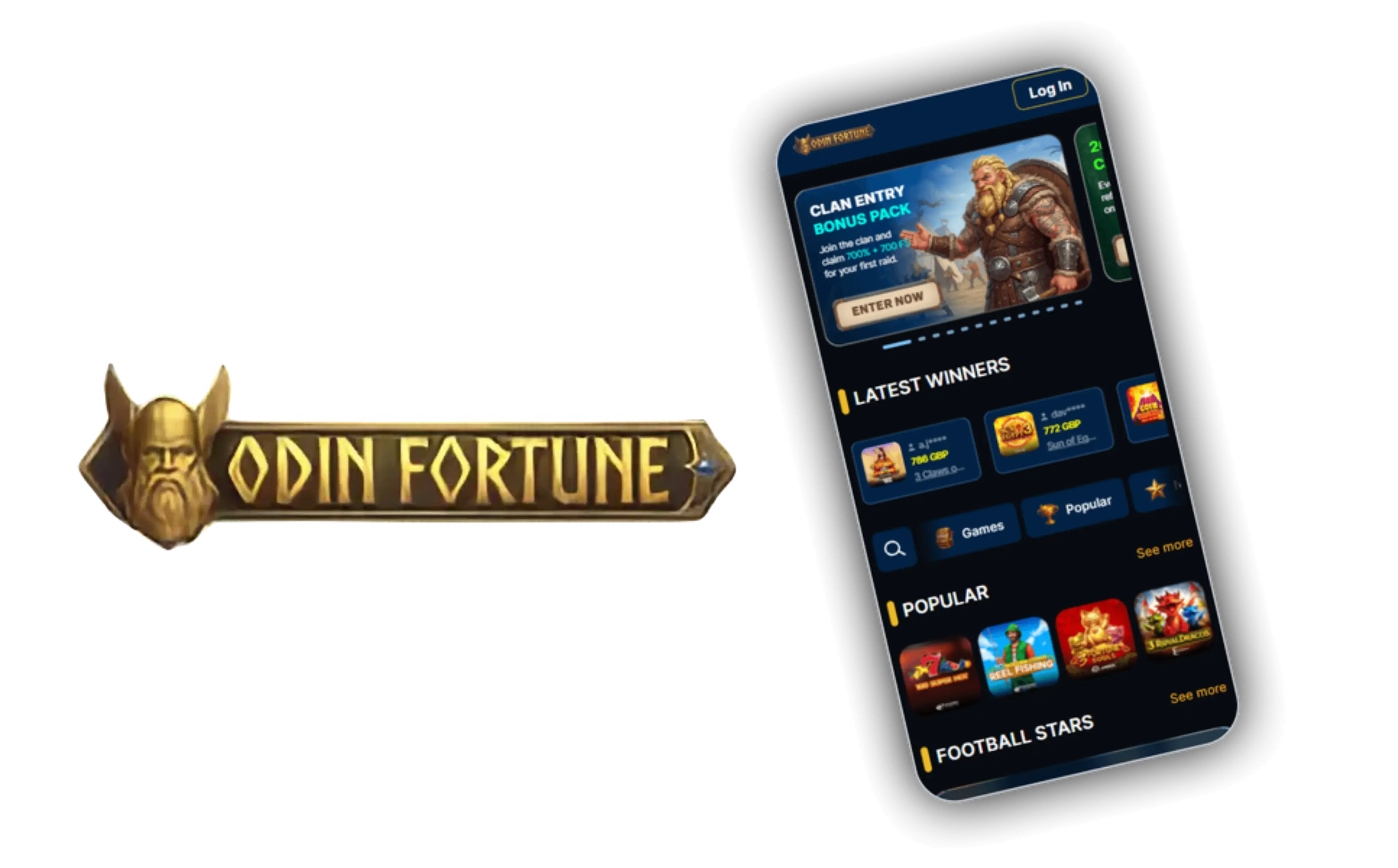


At OdinFortune, we know that most of our players prefer gaming on the go, which is why we built a mobile experience that matches the quality of our desktop casino. Whether you're waiting for a bus or relaxing at home, the Odin Fortune app puts our full catalogue of slots, live tables and sports betting markets right in your pocket. In this guide we'll walk you through downloading the app, logging in, claiming bonuses, and everything else you need to start playing today.
Why Players Choose the OdinFortune App
Our Odin Fortune mobile platform isn't just a shrunk-down version of the desktop site - it's built to feel native and responsive on smaller screens. Here's what stands out:
- Full access to slots, live dealer tables, instant games and sportsbook markets
- Smooth navigation between Casino, Live, Missions, Store and Mini games
- Secure crypto and card deposits starting from just 20 EUR
- Live chat support available around the clock from within the app
- VIP Club progress and cashback tracking visible on your mobile dashboard
We've made sure that our Odin Fortune library of live dealer games from Ezugi and Evolution Gaming loads just as well on mobile data as it does on home Wi-Fi, so Caribbean Poker and live roulette tables remain enjoyable wherever you are.
Getting the OdinFortune App on Your Device
We offer a dedicated downloadable app alongside our mobile browser version, so you can choose whichever suits your device best. Installing the app is a permanent shortcut in our left-side menu, meaning you're never more than a tap away from grabbing it.
For Android Users
- Open odinfortune.com on your Android browser
- Tap the 'Install App' option in the sidebar menu
- Allow downloads from external sources if prompted
- Open the downloaded APK file and follow the install prompts
- Launch OdinFortune and log in or register your account
For iOS Users
- Visit the Odin Fortune website using Safari on your iPhone or iPad
- Tap the install banner or add the site to your home screen
- Confirm the installation when prompted
- Launch the icon from your home screen like any native app
- Sign in to access your account and start playing
Once installed, the app runs smoothly whether you're browsing Casino, Live Casino, Instant games or the Sport section, all accessible from the same navigation you'd find on desktop.
If you've already created an account with OdinFortune, logging in through the app takes seconds. Just enter the email and password you registered with, and you'll land straight on your dashboard with missions, store and mini games all available for quick access. New players will need to register first, providing a legal name, email address and mobile number before placing any bet, since account verification is a standard part of joining us. You can begin the quick OdinFortune sign up process directly from the app.
Gaming Library on the Go
Through the app, you'll find the same lobby categories we offer on desktop: Popular, Instant, Feature Buy, New, VIP, Hot RTP, Slots, Jackpots, Table and Others. Our slot catalogue from providers like Play'n GO and BGaming makes up the bulk of the action, while table game fans can jump into blackjack, European, American and French roulette, or video poker. Progressive jackpots are also fully playable from your phone, with jackpot wins paid out in full rather than through our standard monthly instalment structure.
Banking From Your Phone
Deposits through the Odin Fortune app work the same way as on desktop - Visa, Mastercard, Maestro, Skrill, Neteller, Apple Pay and Bitcoin are all supported, starting at a minimum of 20 EUR. Withdrawals are processed through crypto, with requests typically approved or denied within two business days. We recommend verifying your account early, since identification documents may be requested before your first cashout regardless of the device you're using.
Claim Your Welcome Bonus Through the App
One of the best reasons to download the app is quick access to our welcome package. We at OdinFortune reward new members with a four-stage Casino Package worth up to the amount below, spread across your first four deposits.
| Bonus Component | Details |
|---|---|
| Welcome Bonus Amount | 700% up to 4,000 EUR + 700 Free Spins |
| Minimum Deposit | 20 EUR per stage |
| Wagering Requirement | 40x on bonus and free spin winnings |
| Bonus Duration | 7 days per stage |
Beyond the welcome offer, our app gives you access to the same reload promotions available on desktop: a Monday reload of free spins, a midweek match bonus, a Friday reload, and a weekend reload with extra spins. If you're searching for an odin fortune promo code or an odin fortune bonus code, keep an eye on our promotions tab inside the app, where active codes and seasonal offers are listed. We also occasionally feature a no risk deposit style offer for first-time depositors, so checking the app regularly is worth it. For a full breakdown of offers, visit our OdinFortune bonus page.
Customer Support While You Play
We offer multiple ways to reach our support team directly from the app:
- Live Chat: available 24/7 for instant help
- Email: [email protected]
- FAQ and Help Centre: built into the app menu
Whether you're asking about a withdrawal delay or how to use an odin fortune no deposit bonus, our team is ready to respond quickly, so you're never left waiting mid-session.

Final Thoughts
Downloading our app is the easiest way to carry the full OdinFortune Casino experience with you - from the welcome package to live dealer tables and sports betting. Odin Fortune was built with mobile players in mind, and every update to the platform keeps that experience fast, secure and easy to navigate. If you haven't already, grab the app, log in, and see what's waiting for you.
FAQ
Do you have a dedicated OdinFortune casino app?
Yes, we offer a downloadable app for both Android and iOS devices, alongside a fully optimized mobile browser version if you'd rather not install anything.
Is odin fortune login the same on the app and desktop?
Yes, your account credentials work identically across our app, mobile browser and desktop site, so you can switch devices without creating a new login.
Can I claim an odin fortune promo code through the app?
Absolutely - any active promo codes or bonus codes we run are redeemable directly from the promotions section inside the app.
What's the minimum deposit through the app?
Our minimum deposit is 20 EUR, and the same payment methods available on desktop - cards, e-wallets and crypto - work through the mobile app as well.
Is the OdinFortune app secure?
We take account security seriously, requiring verification before your first withdrawal and classifying any attempt to mask your location, such as using a VPN, as a breach of our fair play policy.
Do I need to re-register to use odinfortune casino online through the app?
No, if you already have an account with us, simply log in with your existing details - there's no need to register again.
Content updated: October 24, 2026